Unit-3 (Creative AI)

Unit-3 (Creative AI)

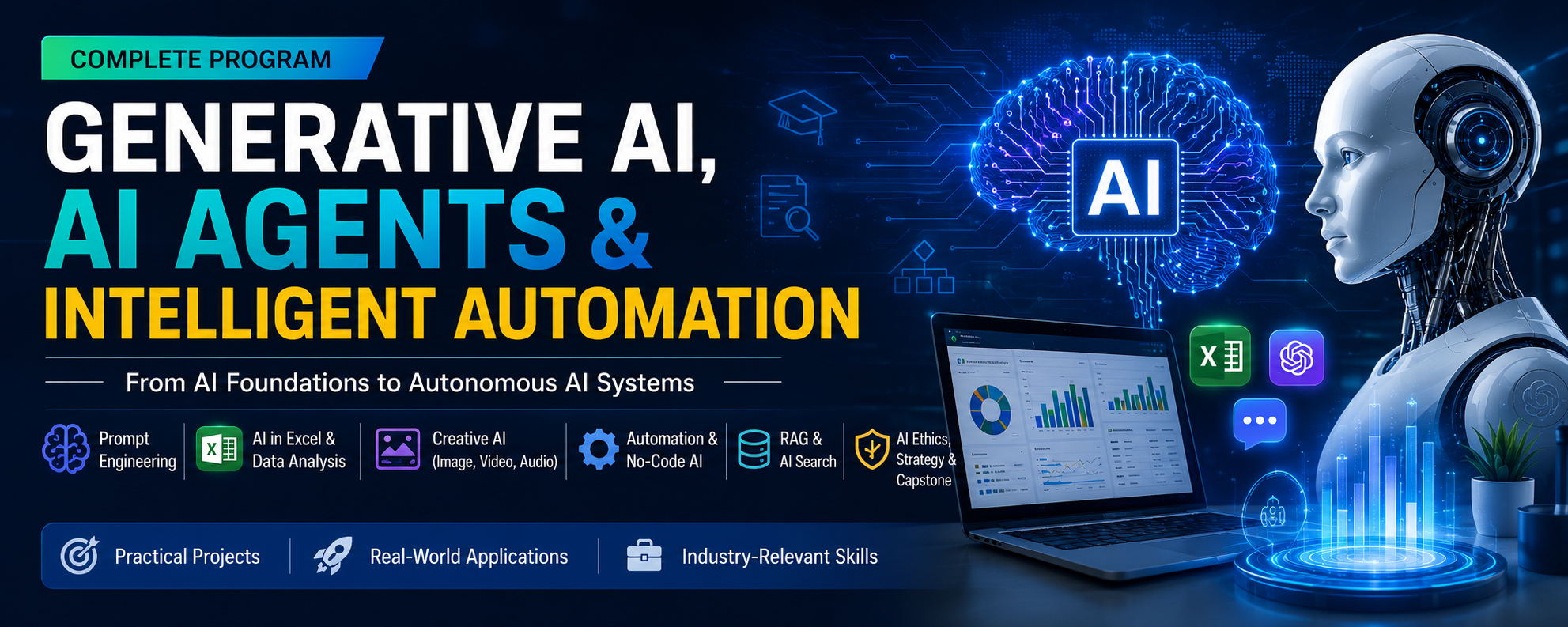
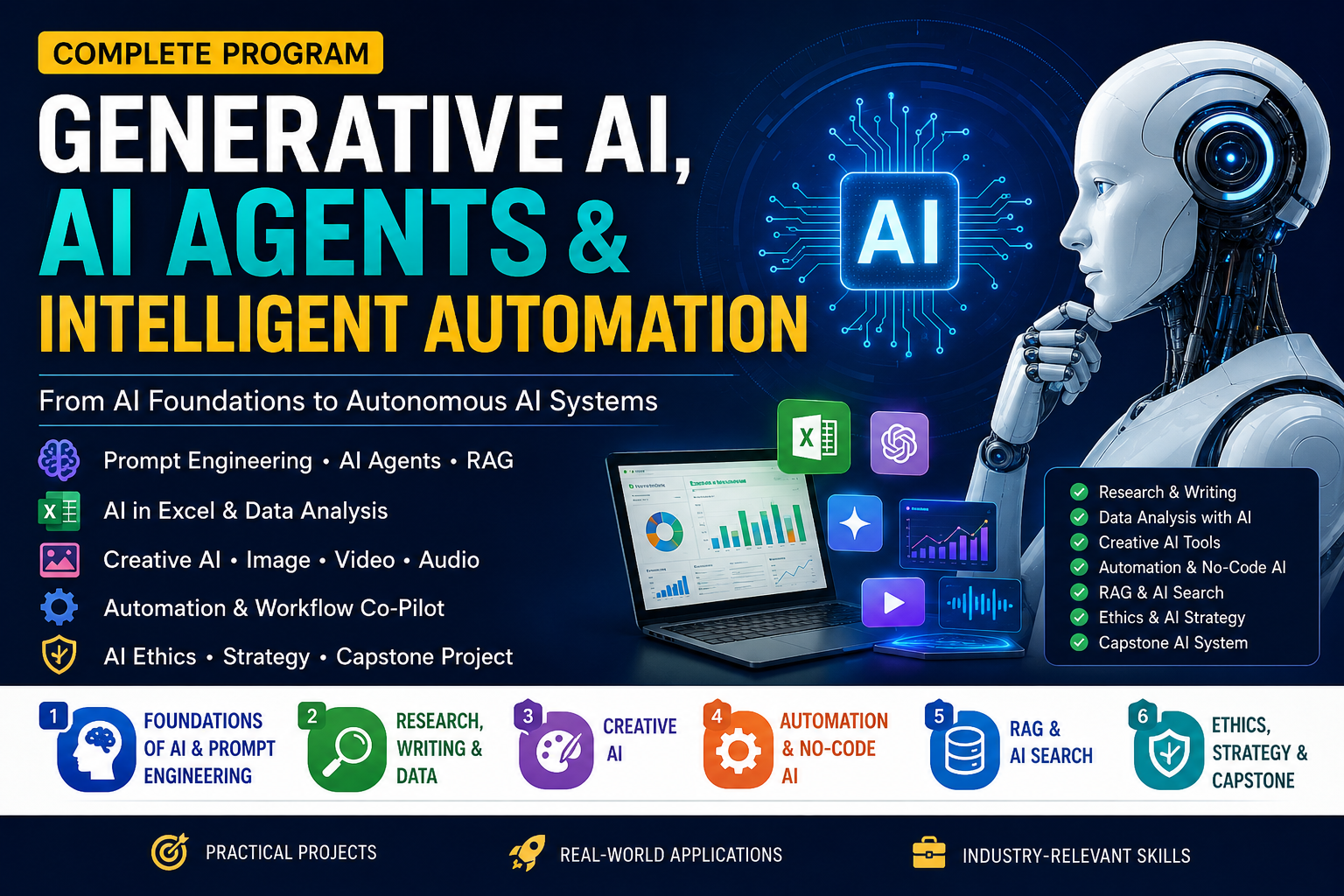
Unit 3: Creative AI introduces learners to using AI for image generation, video & audio creation, and creative prompt engineering.

AI Image Generation: Learn how AI creates images from text prompts, different image types, popular tools, applications, advantages, limitations, and ethical concerns.
AI Video & Audio: Explore text-to-video, AI avatars, voice cloning, music generation, voiceovers, noise reduction, and tools used for creative production.
Creative Prompt Engineering: Learn how to create effective creative prompts using Subject, Style, Environment, Lighting, Colors, Mood, and Quality Details.
Prompting Techniques: Practice descriptive, style, iterative, role-based, negative, and keyword prompting.
Responsible AI: Understand copyright, consent, deepfakes, misinformation, voice cloning risks, and the importance of ethical judgment.

Overall objective: Enable learners to create better AI-generated visual, video, audio, and creative content through effective prompting while using AI responsibly.
0 Students
1 Lectures
Manish Sharma
Manish Sharma

Instructor

About This Course

Course Overview

This course is based on Unit 3: Creative AI and is organized into three modules: AI Image Generation, AI for Video & Audio Creation, and Creative Prompt Engineering. The course combines concepts, examples, applications, limitations, ethics and practical activities.

Module 7 — AI for Image Generation

Module 8 — AI for Video & Audio Creation

Module 9 — Creative Prompt Engineering

Learning Outcomes

Explain how AI image generation works from text prompts.

Identify common types and applications of AI-generated images.

Recognize key AI image-generation features, tools, benefits, limitations and ethical concerns.

Explain how AI can generate and edit video, music, voiceovers and sound effects.

Identify major video/audio capabilities and tools presented in the source.

Construct detailed creative prompts using subject, style, environment, lighting, colors, mood and quality details.

Apply descriptive, style, iterative, role-based, negative and keyword prompting techniques.

Evaluate creative AI outputs for quality, accuracy, originality and ethical risks.

MODULE 7 — AI FOR IMAGE GENERATION

1. What Is AI Image Generation?

AI image generation is the process of creating images using Artificial Intelligence based on text instructions called prompts. AI models analyze the prompt and generate new digital artwork, realistic photos, illustrations or designs.

2. How It Works

1. AI is trained on millions of images.

2. It learns shapes, colors, styles and patterns.

3. The user enters a text prompt.

4. AI reads and understands keywords.

5. It creates an image from learned patterns.

Example prompt: "A beautiful sunset over mountains in watercolor style."

Key takeaway: The source describes the generated image as a new image based on the supplied description, without requiring a template.

3. Popular AI Image Generation Tools

DALL·E — text-to-image with high realism; by OpenAI.

Midjourney — artistic, painterly and highly creative outputs.

Stable Diffusion — open-source and customizable image model.

Canva AI — design tool with built-in AI generation.

Adobe Firefly — integrated into the Creative Cloud suite.

4. Types of AI-Generated Images

Realistic — human-like photos, nature scenes and product images.

Artistic — paintings, sketches and digital art.

Cartoon & Anime — animated characters, comics and fantasy art.

3D Images — architectural models and game characters.

5. Key Features

Text-to-Image Conversion — generate images from plain text descriptions.

Style Transformation — change art styles such as watercolor or oil paint.

Background Removal — isolate subjects automatically.

Image Enhancement — improve resolution and quality.

Image Editing — modify existing images using prompts.

6. Applications

Education — educational visuals and presentation design.

Marketing — social-media posters and advertisements.

Entertainment — movie concept art and game design.

Business — product mockups and brand logos.

7. Advantages, Limitations & Ethics

Advantages: saves time, encourages creativity, is beginner-friendly, and produces multiple variations quickly.

Limitations: may generate incorrect details such as extra fingers; output quality depends heavily on prompt wording; copyright ownership concerns; potential misuse for fake images.

Ethical concerns: deepfakes and identity fraud, misuse of copyrighted artwork styles, fake identity images and misinformation.

Key takeaway: Best practices from the source: use clear prompts, mention style and colors, specify quality, and add detailed descriptions.

MODULE 8 — AI FOR VIDEO & AUDIO CREATION

8. Creative Media with AI

AI can automatically generate and edit videos, music, voiceovers and sound effects using prompts or uploaded content.

9. AI Video Generation

AI video tools can process:

Text — write a script and generate a full video.

Images — turn still images into animated videos.

Scripts — use screenplay-style input for video scenes.

Existing Videos — edit and enhance footage with AI.

10. Key Video Features

Text-to-video generation

Automatic subtitle generation

AI-powered video editing

Background replacement

AI avatar creation

Animation creation

11. Popular AI Video Tools

Synthesia

Runway ML

Pika Labs

InVideo AI

Canva Video AI

12. AI Audio Creation

Generate Music — create original compositions in any genre.

Create Voiceovers — produce human-sounding narration from text.

Remove Noise — clean background audio automatically.

Clone Voices — replicate a specific voice from samples.

Text-to-Speech — convert written text into natural speech.

13. Popular AI Audio Tools

ElevenLabs — voice cloning and text-to-speech.

Murf AI — realistic voiceovers for videos and presentations.

Suno AI — full songs with lyrics and music.

AIVA — AI composer for background and film music.

Descript — podcast/video editing powered by AI.

14. Applications

Education — online lectures and animated explanations.

Marketing — promotional videos and social-media reels.

Entertainment — short films and animated content.

Business — training videos and product demonstrations.

15. Advantages, Limitations & Ethical Use

Advantages: faster content production, lower production costs, easy editing and iteration, professional-quality output.

Limitations: may reduce creative originality; voice cloning can be misused; copyright ownership disputes; outputs can sometimes look unrealistic.

Ethical use: do not create misleading content, respect copyrights, obtain consent for voice cloning, and avoid fake videos.

MODULE 9 — CREATIVE PROMPT ENGINEERING

16. What Is Creative Prompt Engineering?

Creative prompt engineering is the art and science of writing detailed, imaginative instructions that guide AI to produce high-quality creative outputs such as images, videos, stories, music and designs.

17. Seven Elements of a Strong Creative Prompt

Subject — who or what is in the image?

Style — art style such as watercolor, realistic or anime.

Environment — where is the scene set?

Lighting — cinematic, natural or neon glow.

Colors — warm tones, monochrome or vibrant colors.

Mood — peaceful, dramatic or mysterious.

Quality Details — 4K, ultra HD or hyper-detailed.

Example: "A magical forest with glowing trees, fantasy style, cinematic lighting, ultra HD, peaceful atmosphere."

18. Types of Creative Prompts

Artistic Prompt — creates paintings and artwork using specific art styles.

Cinematic Prompt — creates movie-like visuals with depth, lighting and atmosphere.

Character Prompt — creates detailed fictional characters with personality traits.

Product Design Prompt — creates product concepts, mockups and package designs.

19. Creative Prompting Techniques

a) Descriptive Prompting — use long, detailed descriptions to paint a precise picture for AI.

b) Style Prompting — mention specific art styles, themes or artists to control visual aesthetics.

c) Iterative Prompting — start with a basic prompt, evaluate the output, then refine repeatedly.

d) Role-Based Prompting — assign AI a role or persona to shape style and tone. Example: “Act as a professional graphic designer and create...”

e) Negative Prompting — explicitly state what to avoid, such as “No blur, no extra fingers, no dark background.”

f) Keyword Prompting — use powerful recognized keywords such as 4K, cinematic, hyper-detailed, minimalist, futuristic or anime style.

20. Tips for Better Prompts

Be specific and detailed.

Add style references.

Specify desired quality.

Avoid vague instructions.

Experiment with variations.

21. Applications of Creative AI

Graphic designing

Video production

Advertising & marketing

Game development

Story & content creation

Social media content

22. Future of Creative AI

More realistic content generation

Faster AI creativity tools

Personalized content creation

AI-assisted filmmaking

AI-driven music production

Best prompt example from the source: "A futuristic city at night with neon lights, cyberpunk style, cinematic, hyper-detailed, high quality, 4K."

Key takeaway: Good prompts improve output quality, increase creativity, reduce errors and save editing time.


PRACTICAL ACTIVITIES

Activity 1 — Build an Image Prompt

Create a prompt for an educational poster. Include all seven elements: subject, style, environment, lighting, colors, mood and quality.

Checklist: □ Subject □ Style □ Environment □ Lighting □ Colors □ Mood □ Quality

Activity 2 — Improve a Weak Prompt

Weak prompt: "Make a beautiful futuristic city."

Add a clear subject and setting.

Specify cyberpunk or another style.

Describe lighting and color palette.

Add mood.

Specify quality such as 4K or hyper-detailed.

Add a negative prompt to reduce unwanted artifacts.

Activity 3 — Creative Media Plan

Design a short educational video using AI.

Write the concept/script.

Decide whether to use text, images or existing footage.

Plan voiceover or music.

Plan subtitles and editing.

Check consent, copyright and accuracy before publishing.

FINAL KNOWLEDGE CHECK

Which prompt is the most complete?

A. Create a forest.

B. Create a beautiful forest.

C. A magical forest with glowing trees, fantasy style, cinematic lighting, ultra HD, peaceful atmosphere.

D. Make an image in 4K.

Which technique explicitly tells AI what to avoid?

A. Style prompting

B. Negative prompting

C. Role-based prompting

D. Keyword prompting

Which is an AI audio capability described in the course?

A. Spreadsheet calculation

B. Voice cloning

C. Database normalization

D. Citation formatting

What is a major ethical concern with AI video/audio?

A. Faster editing

B. Professional output

C. Consent for voice cloning and avoiding fake videos

D. Automatic subtitles

What should happen during iterative prompting?

A. Stop after the first output

B. Evaluate the output and refine the prompt repeatedly

C. Remove all detail

D. Let AI choose the intended style automatically

Answer Key: 1-C, 2-B, 3-B, 4-C, 5-B

Course Summary

Creative AI enables users to generate images, videos and audio from prompts or uploaded content. High-quality creative prompting depends on specificity, visual detail, style, lighting, mood, quality and controlled iteration. The course also emphasizes responsible use: respect copyrights, obtain consent for voice cloning, avoid misleading or fake content, and apply ethical judgment.

Manish Sharma
Manish Sharma
28 Courses
5 Students
Manish Sharma
Curriculum Overview

This course includes 0 modules, 1 lessons, and 0 hours of materials.

Unit-3
Questions 10
Duration 30 Minutes
Passing Grade 10/20
Total Grade 20
Attempts 0/
Certificates
2 Parts
Certificate
Quiz Certificate
You will receive this certificate after passing the “Unit-3Z” quiz.
Type Quiz Certificate
Passing Grade 10/20
Course Certificate
Course Certificate
If you pass all the lessons in this course, you will receive this certificate.
Type Course Certificate
Reply to Comment
Comments Approval

Your comment will be visible after admin approval.

0
0 Reviews
Content Quality (0)
Instructor Skills (0)
Value for Money (0)
Support Quality (0)
Reply to Review
Submit Reply

Your reply to this review will be visible to all users.

Unit-3 (Creative AI)
$20.10

This Course Includes

1 Online Quiz(zes)
Official Certificate
Instructor Support

Course Specifications

Sections
0
Lessons
1
Capacity
Unlimited
Duration
2:00 Hours
Students
0
Access Duration
30 Days
Created Date
1 Sep 2026
Updated Date
2 Sep 2026
Unit-3 (Creative AI)
You are viewing
Unit-3 (Creative AI)